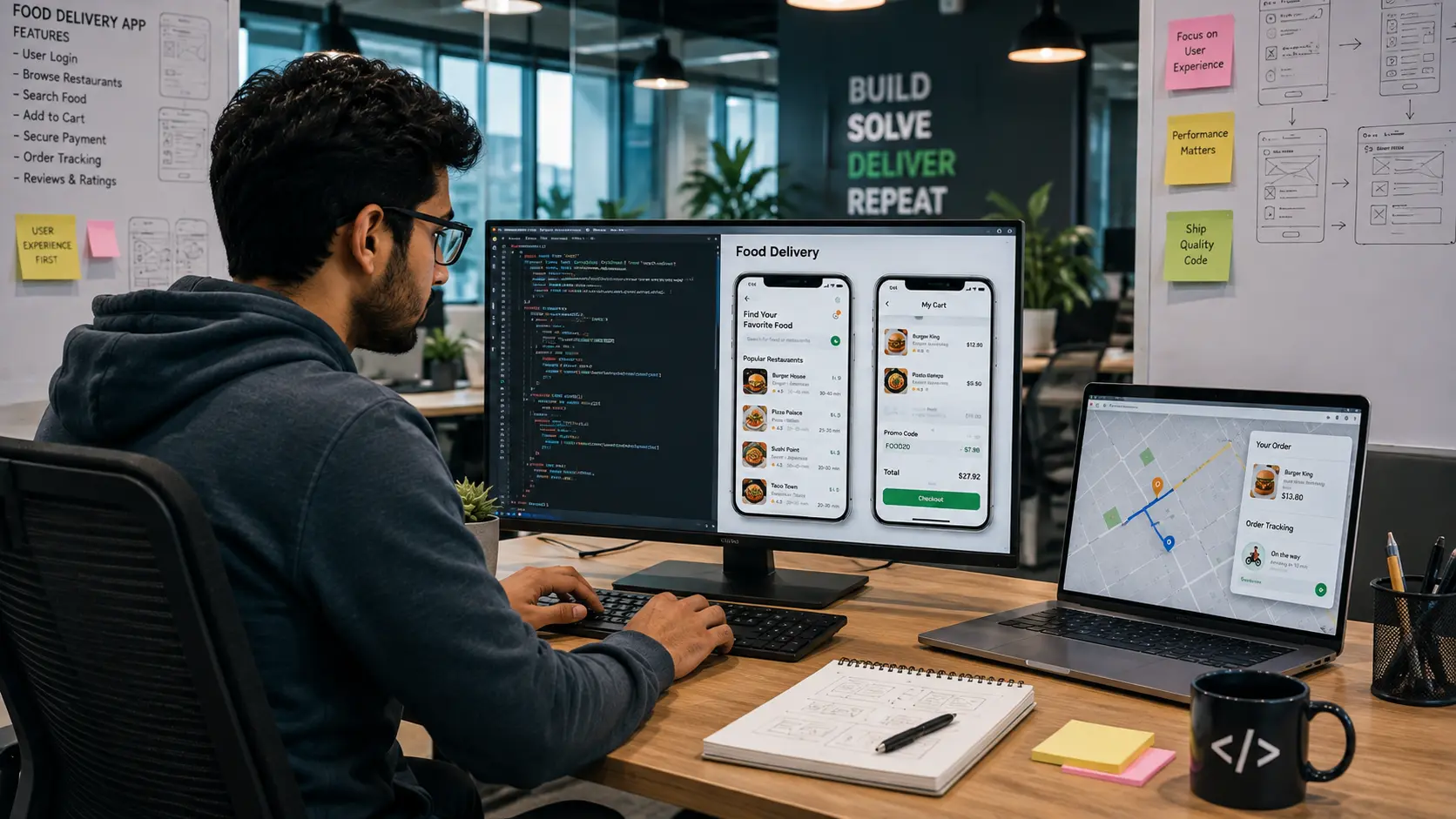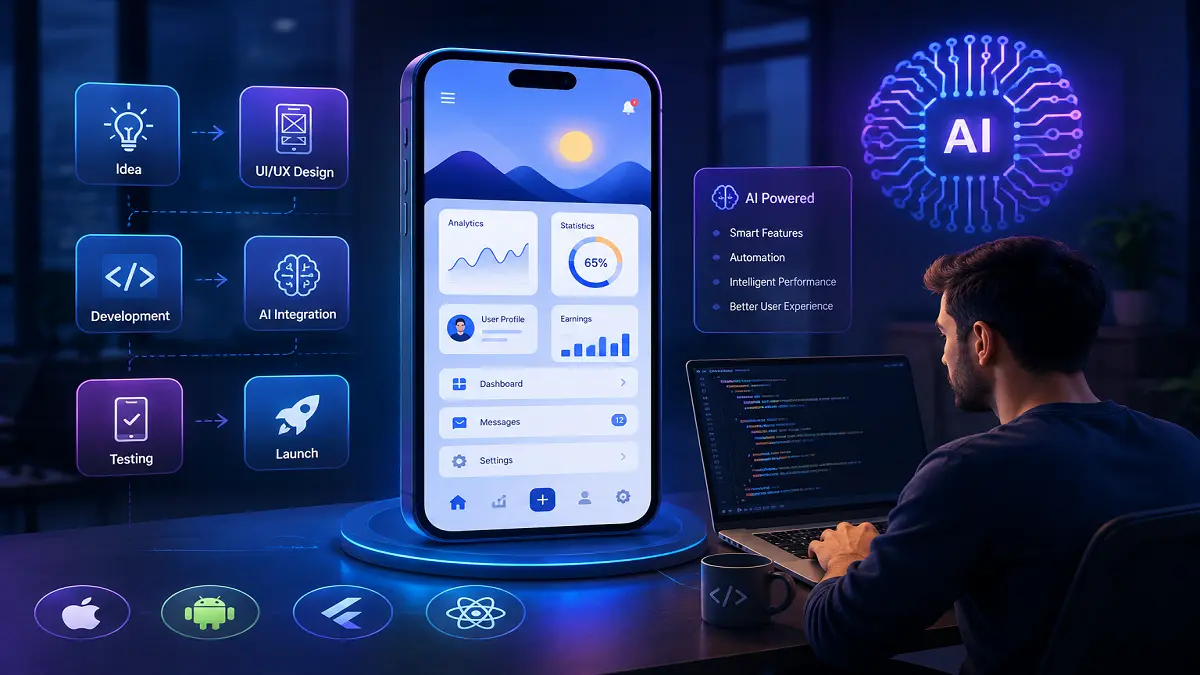
Open Salesforce Mobile on a phone, and it looks simple. A few tiles. A search bar. A list of accounts. Behind that plain screen sits years of careful work.
Plenty of companies want the same thing for their own staff. One app that holds their customer records, their jobs and their reports. If that sounds like you, this guide is for you. It shows how to build an enterprise app like Salesforce Mobile, step by step, in plain words.
First, work out what Salesforce Mobile gets right
Before you copy anything, ask why people actually like it.
- It is fast. A rep finds a customer record in a few taps.
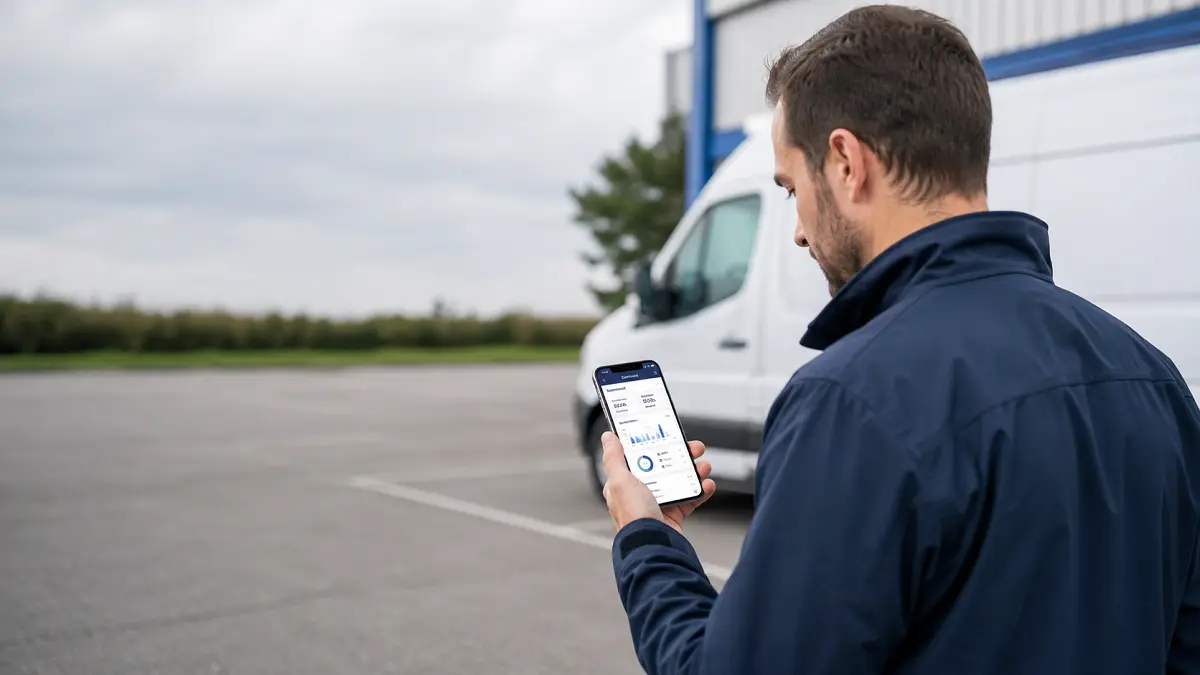
- It works in a car park with one bar of signal.
- An admin can add a new field on Monday, and staff see it on Tuesday, with no new app release.
- It only sends alerts that matter, so people do not switch them off.
- Company data stays safe, even when a phone goes missing.
Those five things are the real product. The rest is decoration.
Write the problem down in one sentence
“We need an app” is not a plan.
Try this instead. “Our 60 field engineers spend 40 minutes a day typing job notes in the van, and the office gets those notes a day late.”
Now you have something to fix and something to measure.
Pick one problem. Two at most. Not ten.
Sit with the people who will use it
Spend a few days with them. Watch them work. Do not only ask the managers.
Look out for:
- The paper notebook they still carry
- The spreadsheet they keep on the side
- The step they always skip
- The spot where the signal drops
These small habits tell you more than any meeting ever will.
Keep the first version small
Most teams who set out to build an enterprise app like Salesforce Mobile try to match it for feature after feature. That is a trap. Salesforce has hundreds of features and a 20-year head start.
A good first version might hold:
- Login
- Search
- A list of my customers or my jobs
- One record screen you can edit
- One simple form
- Alerts
- One chart or report
That is enough. Ship it. Then listen.
Sort out your data before you write any code
This is the dull part that saves you later.
Sit down with your team and answer:
- Where does each piece of data live today?
- If two systems disagree, which one wins?
- Does every record have a proper ID?
- How fresh must each screen be? Live, or is five minutes fine?
- What happens when two people edit the same record at once?
Messy data makes a messy app. No amount of clever design will hide it.
Pick how you will build it
There are two main paths.
‘Native’ means ‘Swift’ for iPhone and ‘Kotlin’ for Android. You get the best speed and the best use of the camera, maps, scanners and offline storage. It costs more because you build the app twice.
Cross platform means Flutter or React Native. One set of code runs on both phones. It is cheaper and quicker, and it suits forms, lists and dashboards well.
A simple rule. If your app is mostly reading and editing records, cross platform is usually fine. If it leans hard on the phone hardware, or it must feel perfect, go native.
You will need a back end too. That means APIs, a database, a sync service, push alerts and somewhere to keep files.
Make it work without internet
This is the hard part. It is also the part staff notice most.
You will need:
- A small database on the phone holding the records that user really needs
- A queue that saves changes made while offline
- A sync job that sends those changes once signal returns
- A clear rule for clashes, such as last edit wins, or ask the user, or lock the record
- A small badge on screen that says “saved on your phone, not sent yet”
Never leave people guessing whether their work was saved. That is how trust dies.
Lock the data down
Your app will hold real customer details, so security cannot wait until the end.
Plan for:
- Single sign-on, so staff use the same company login
- A second login step, such as a code or a fingerprint
- Data encrypted on the phone and while it travels
- Roles, so a junior rep cannot see the whole pipeline
- Remote wipe when a phone is lost
- A log of who viewed and changed what
- UK and EU privacy rules, including where the data is stored
Speak to your IT and legal teams in month one. Not in month nine.
Design for one thumb
People use these apps standing up, in the rain, in a lift.
So:
- One main job per screen
- Big buttons that are easy to hit
- Short forms that save as people type
- The most used action near the bottom, close to the thumb
- Plain wording. “Job done” beats “status: completed”
Test it on a cheap Android phone, not only the newest iPhone.
Build the admin tools as well
Here is the bit most teams forget.
A big reason people love Salesforce is that admins can change it without ringing a developer. New field, new list, new rule, all done in a browser.
Give your business team the same power:
- Add or hide fields
- Change the order of a list
- Turn a feature on for one team only
- Set the alert rules
Yes, it takes longer at the start. It also saves you from a queue of small change requests for years.
Test with real staff, in real places
A quiet office test proves very little.
Try the app:
- On a train with patchy signal
- In a basement with none
- On a five year old phone
- With someone who is not confident with technology
Then watch and say nothing. Note every place they pause.
Launch slowly
Start with one team of 10 to 20 people for a few weeks. Fix what they find. Then add the next team.
Do this too:
- Make two-minute videos, not a 40 page manual
- Choose one helpful person in each team as the go-to
- Let staff report a bug in a single tap
- Plan for a busy first week, because tickets always spike
Switching everyone on at once is how a good app gets a bad name.
Measure, then keep improving
Watch these numbers:
- Daily users, not downloads
- Time taken to finish the main task
- Crash rate
- The point where people give up on a form
- Support tickets, grouped by screen
Then ship small updates often. Every two to four weeks works well.
How long does it take, and what does it cost?
As a rough guide:
A pilot with a few screens takes about 3 to 4 months. A full app with offline working, admin tools and links to other systems takes about 6 to 12 months.
Your team will need a product owner, a designer, two or three mobile developers, a back-end developer, a tester, plus part-time help from security and IT.
Cost depends on where your team sits and how many systems you plug into. In the UK, a first release often lands somewhere between £50,000 and £250,000, and a large one goes higher. Treat that as a starting point and get real quotes. Also set aside around 15 to 20 per cent of the build cost each year for hosting, licences, store fees and support.
Be careful with any quote that looks very cheap. That saving usually comes back later as rework.
Mistakes that sink these projects
- Copying every Salesforce feature instead of fixing your own problem
- Treating offline use as a nice extra
- No admin tools, so every small change needs a developer
- Building what the boss wants rather than what the team needs
- No training and no launch plan
- Forgetting the people on tablets
- Slow search. If search drags, people stop opening the app.
A short checklist before you start
- One clear problem, written down
- Real users you have actually spoken to
- No more than seven screens in version one
- A named owner for each data source
- Security and privacy signed off early
- A budget with some room in it
- A plan for month 13, not just launch day
Ready to start?
Building an enterprise app like Salesforce Mobile is not one big leap. It is a run of small, sensible choices made in the right order. Get the data right, keep version one small, make it work offline, and hand your admins real control.
If you would rather not learn all this the hard way, speak to an experienced enterprise mobile app development company and ask to see apps they have built for offline use and for large teams. Ask for the tough stories as well as the polished ones. A good partner will happily tell you what went wrong last time and what they changed because of it.